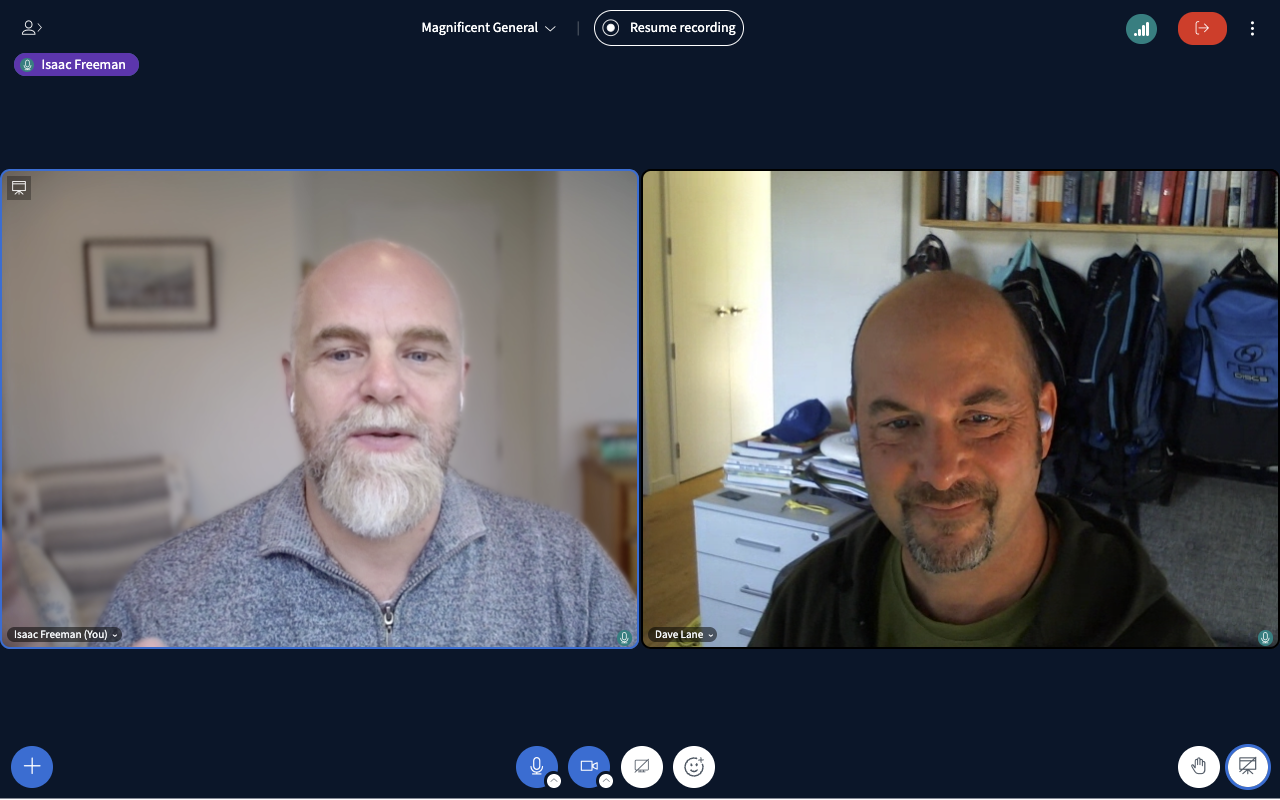

BigBlueButton offers smooth audio and video with advanced conferencing capabilities including a shared whiteboard, polls, breakout rooms, engagement analytics, and the ability to watch videos together.
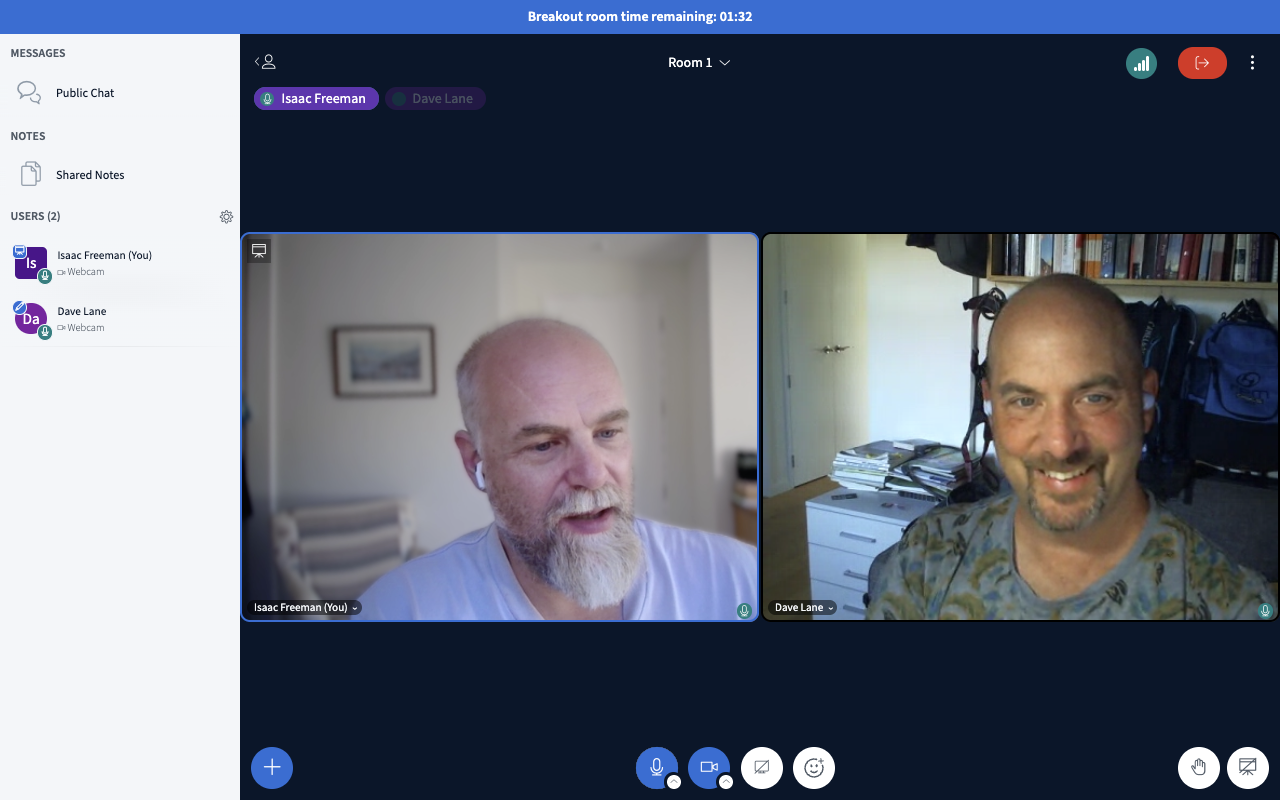
BigBlueButton was originally designed for virtual university classrooms, so it's been extensively tested by world-class communicators with demanding requirements for online collaboration. We've found it's ideal for businesses and civil society organisations running meetings and working collaboratively.
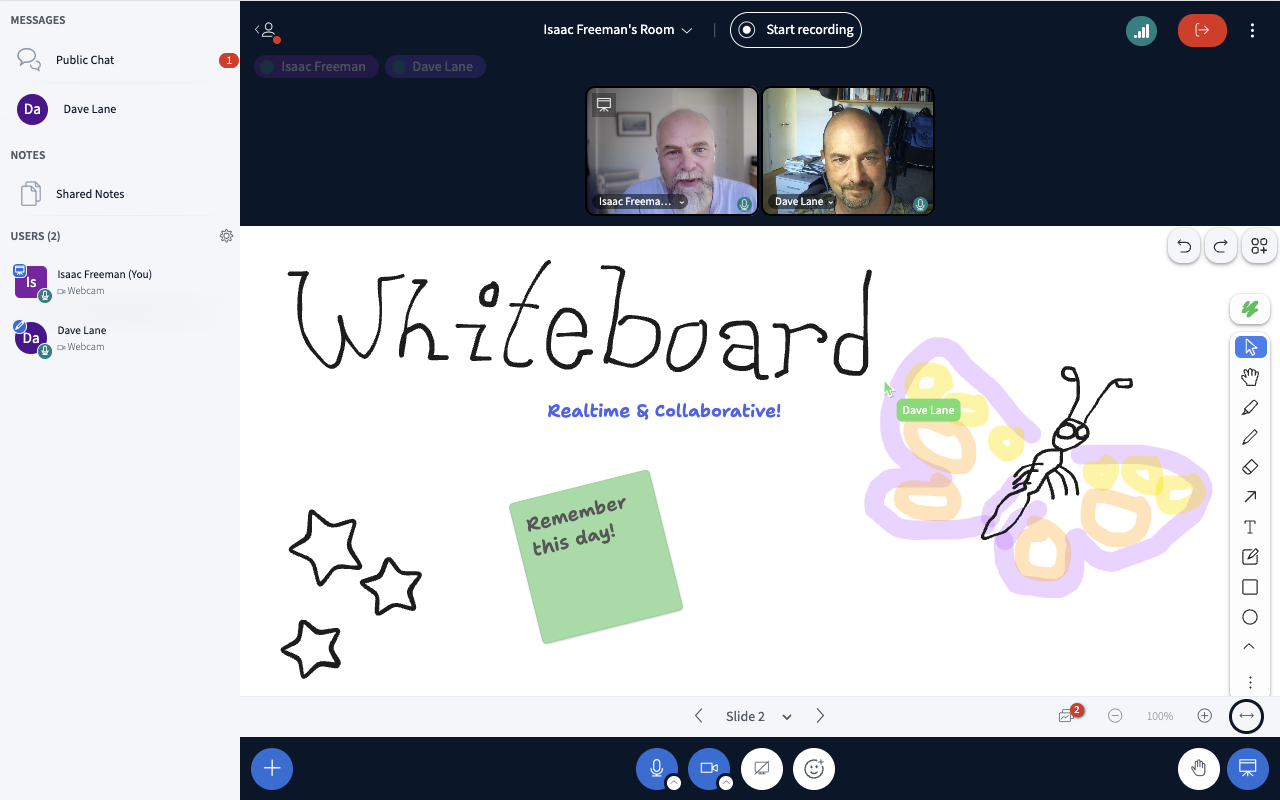
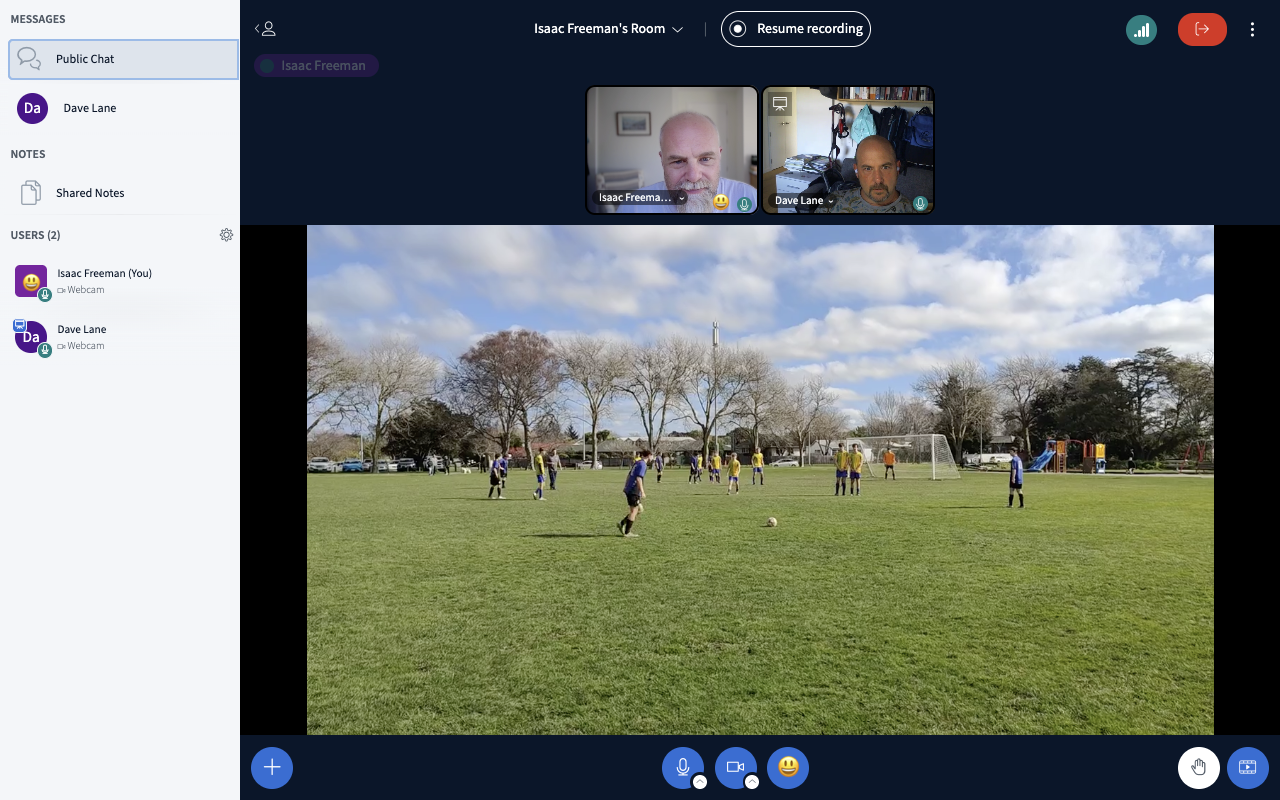
BigBlueButton offers a rich set of features for any meeting or online collaboration, including screen sharing, breakout rooms, chat, shared notes, polls, a multi-user whiteboard, and the ability to watch videos together. Unlike many competing products, multiple users can share screens simultaneously while maintaining visual contact with webcam video.
BigBlueButton provides high quality audio and video, and performs well even with limited bandwidth or large meetings. Sessions can be recorded as video or podcasts. An analytics dashboard can show you who's participating the most, and whose voice isn't being heard.

Join Magnificent's BigBlueButton server
Bring your organisation to Magnificent's BigBlueButton server with a fixed monthly price.
Dedicated BigBlueButton server
A virtual private server (VPS) dedicated to running BigBlueButton for your organisation.
All prices in New Zealand dollars, GST included.